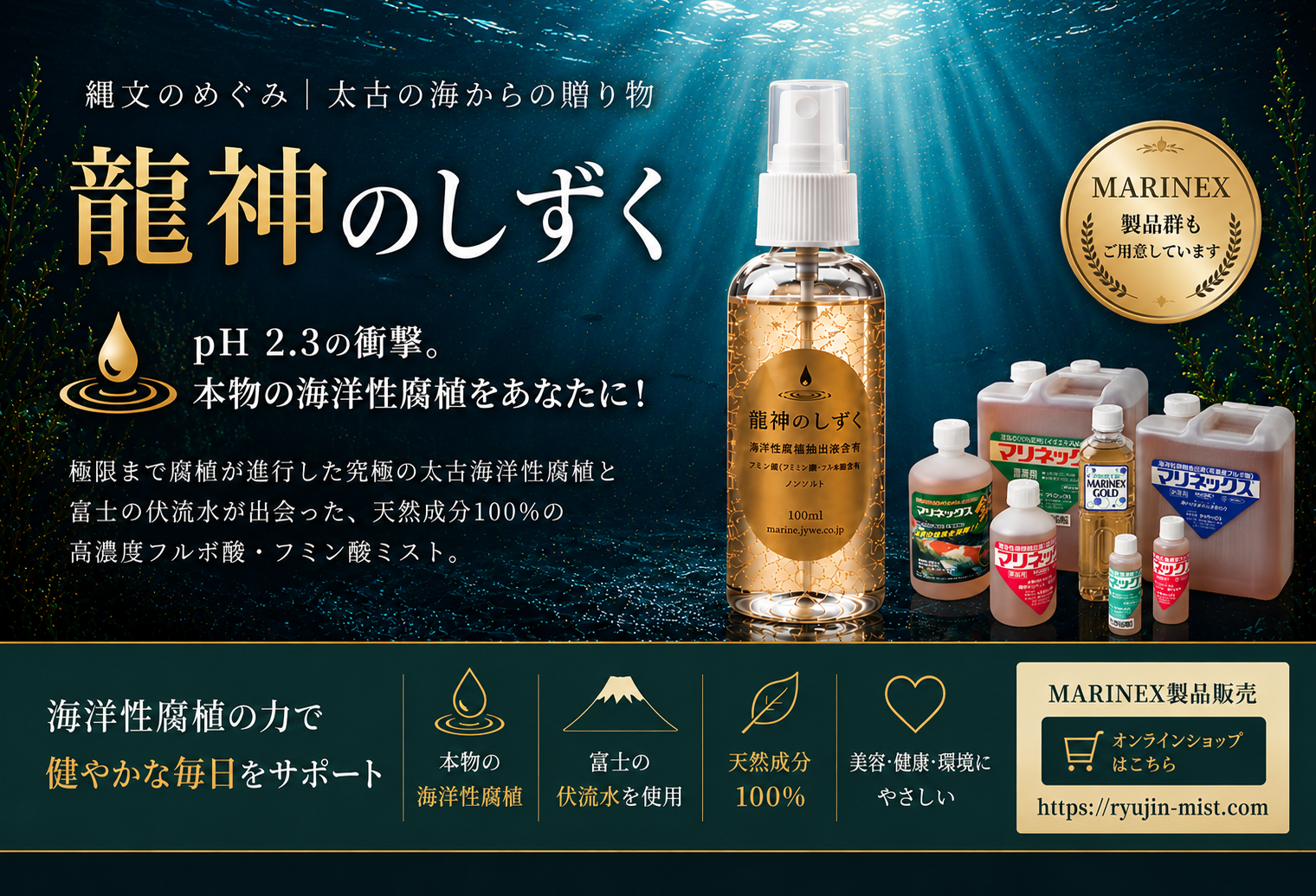
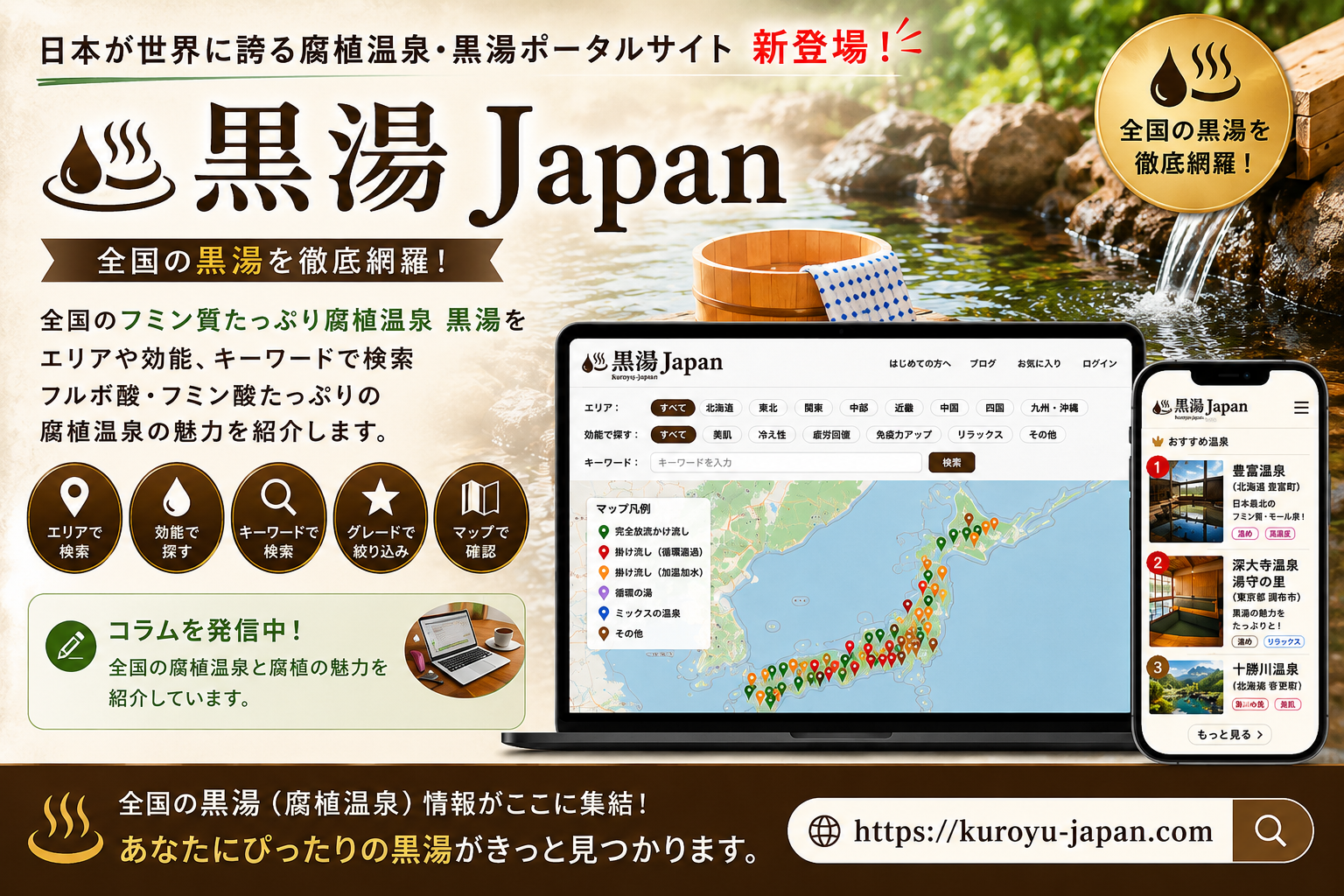
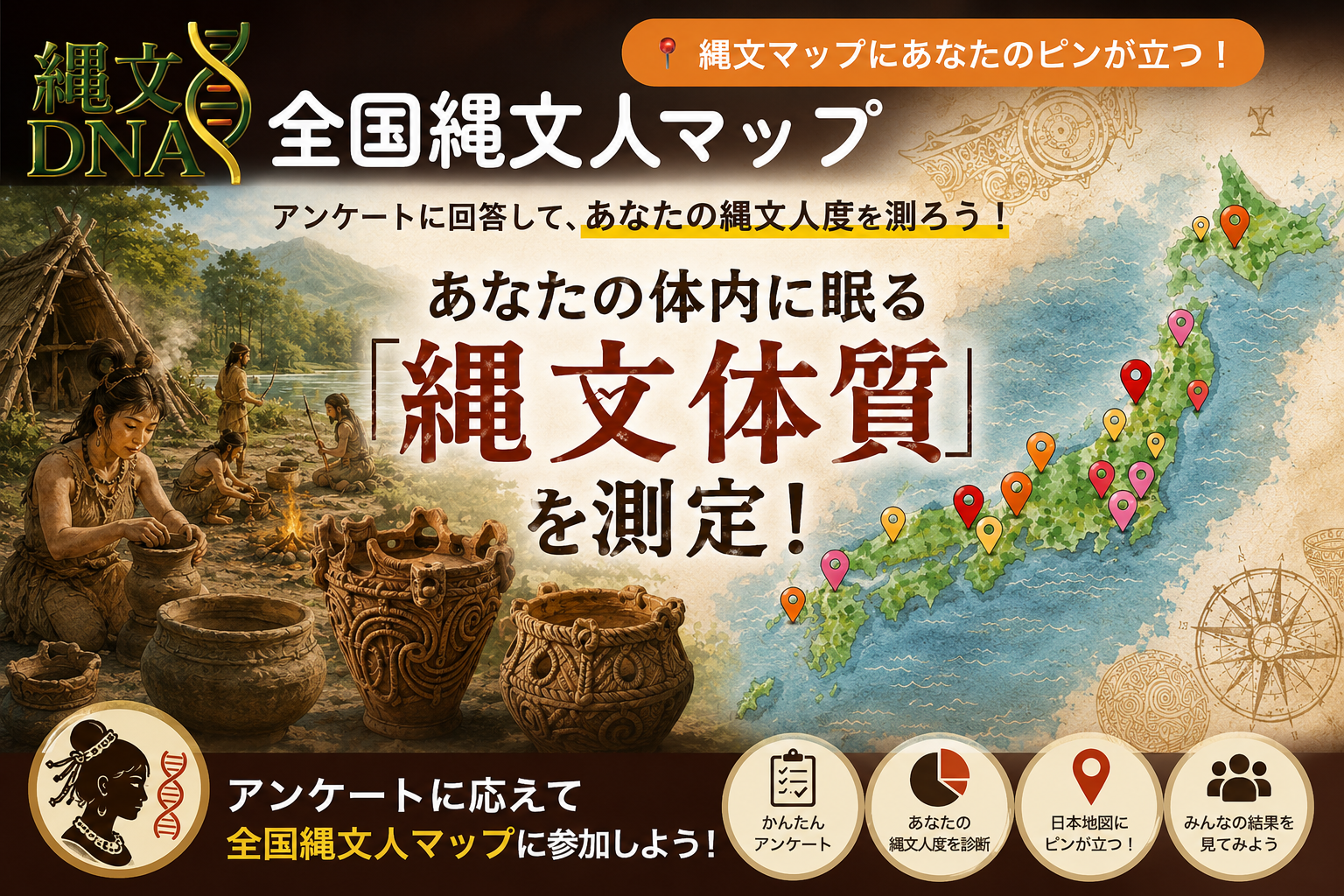
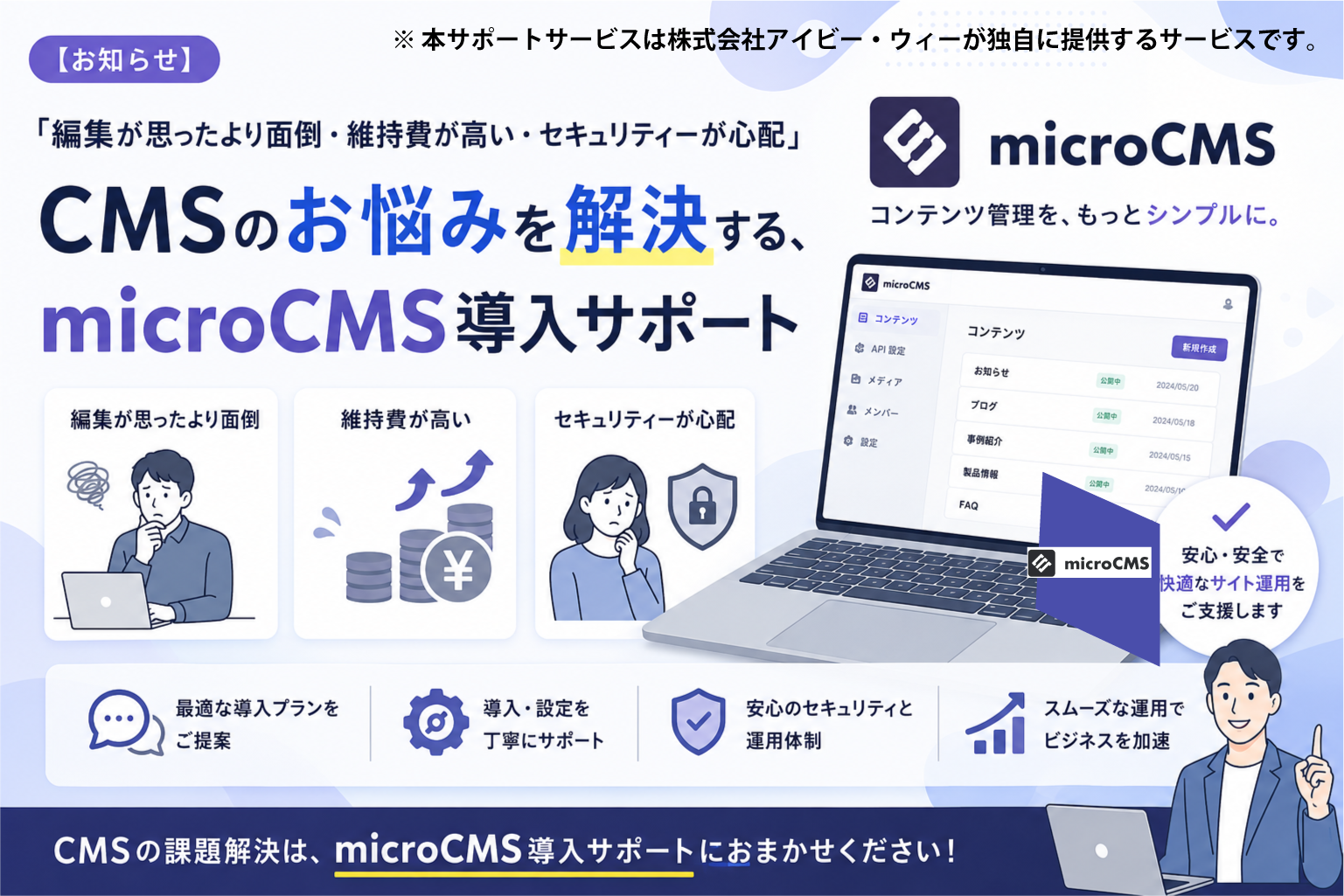
🛠️ IVYWE企画開発のPortalサイトとおすすめサービス
<!-- ブラウザのUIカラーをOS設定に合わせる -->
<meta name="theme-color" content="#ffffff" media="(prefers-color-scheme: light)">
<meta name="theme-color" content="#000000" media="(prefers-color-scheme: dark)">

<!-- Favicon設定 -->
<link rel="apple-touch-icon" sizes="180x180" href="/apple-touch-icon.png">
<link rel="icon" type="image/png" sizes="32x32" href="/favicon-32x32.png">
<link rel="manifest" href="/site.webmanifest">
<link rel="shortcut icon" href="/favicon.ico">
<meta name="msapplication-TileColor" content="#ffffff">
* Extract the downloaded ZIP and upload all files to the same folder as your index.php.
By leveraging the Canvas API and JSZip, this tool handles image validation, resizing, and ZIP compression entirely within your browser. It ensures maximum privacy as no image data is sent to the server, while simultaneously generating a PWA-ready webmanifest.
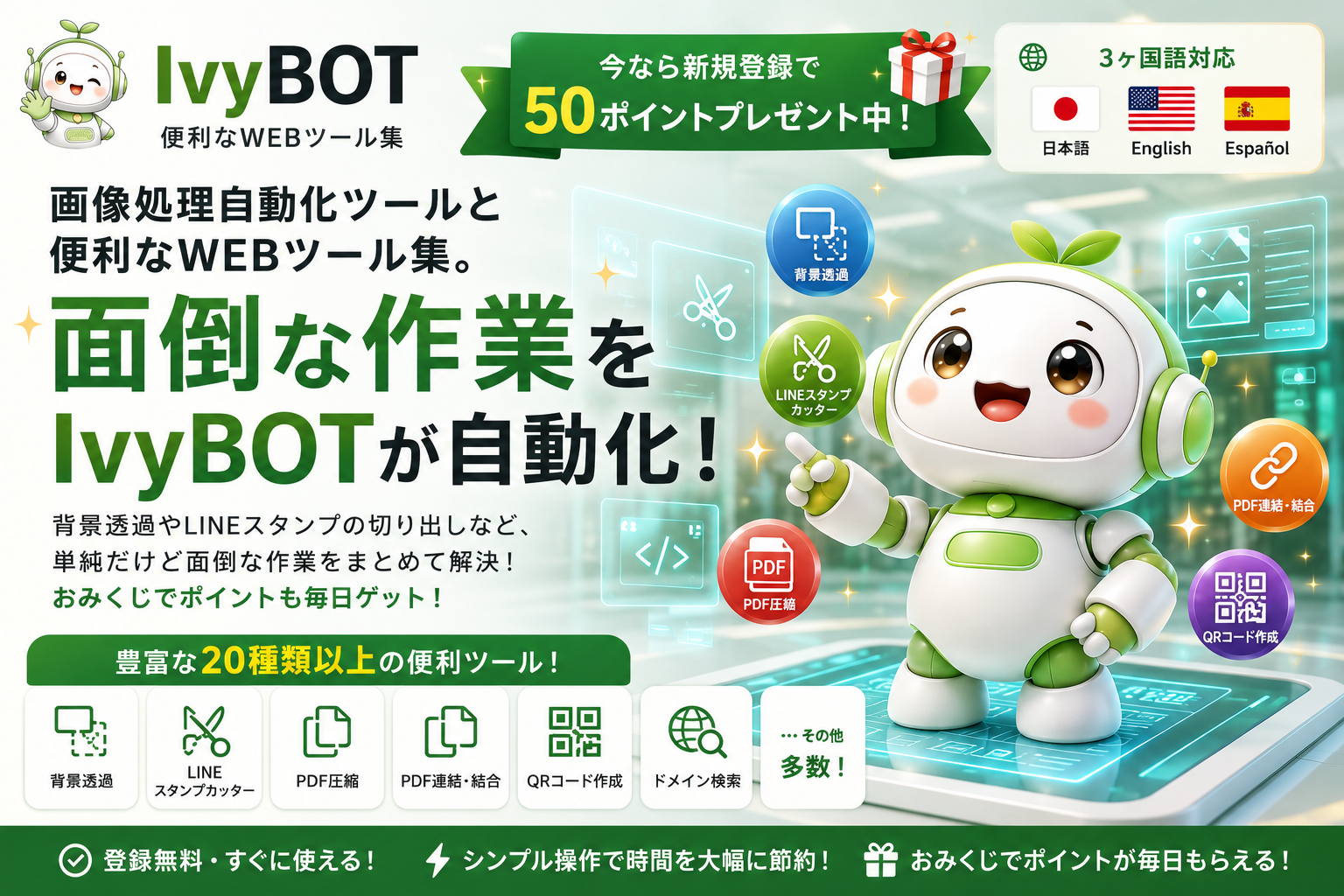
 IvyBOT