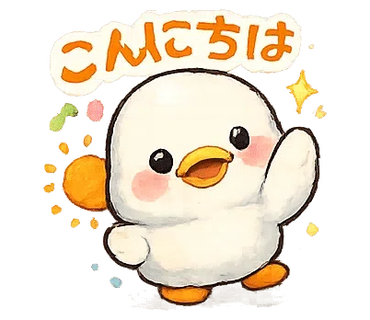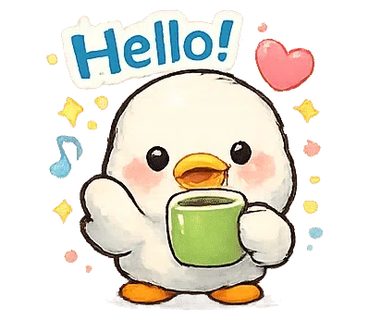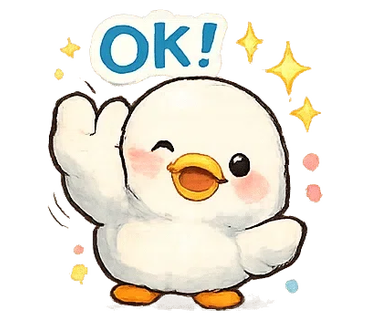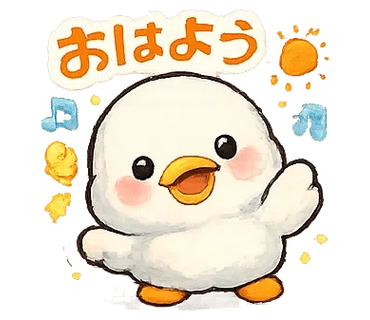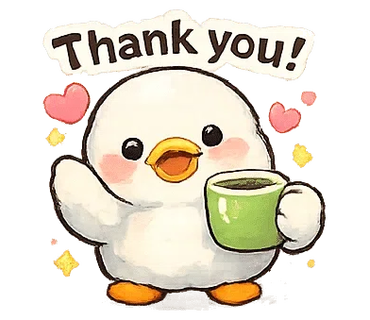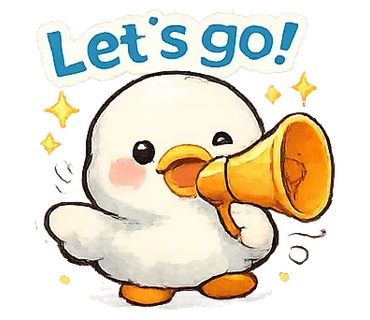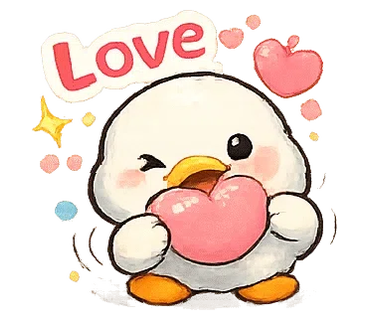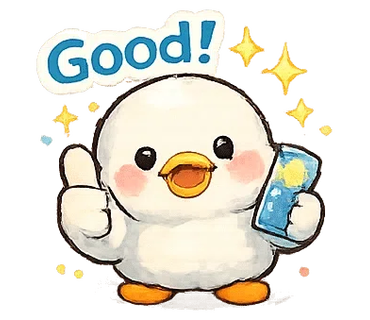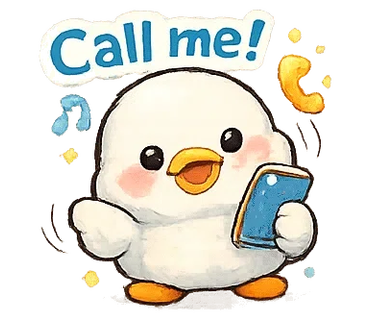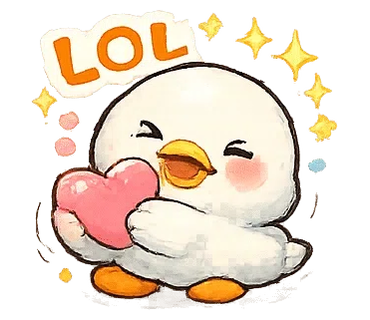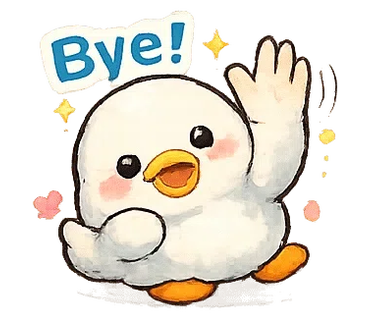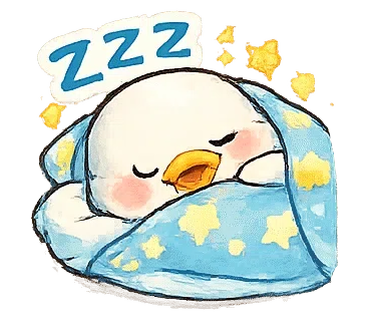
El Super-Fast LINE Stamp Cutter de IvyBOT analiza automáticamente hojas PNG transparentes para detectar áreas de stickers y generar salidas main/tab. Las configuraciones avanzadas permiten ajustar márgenes y umbrales para resultados óptimos en LINE.
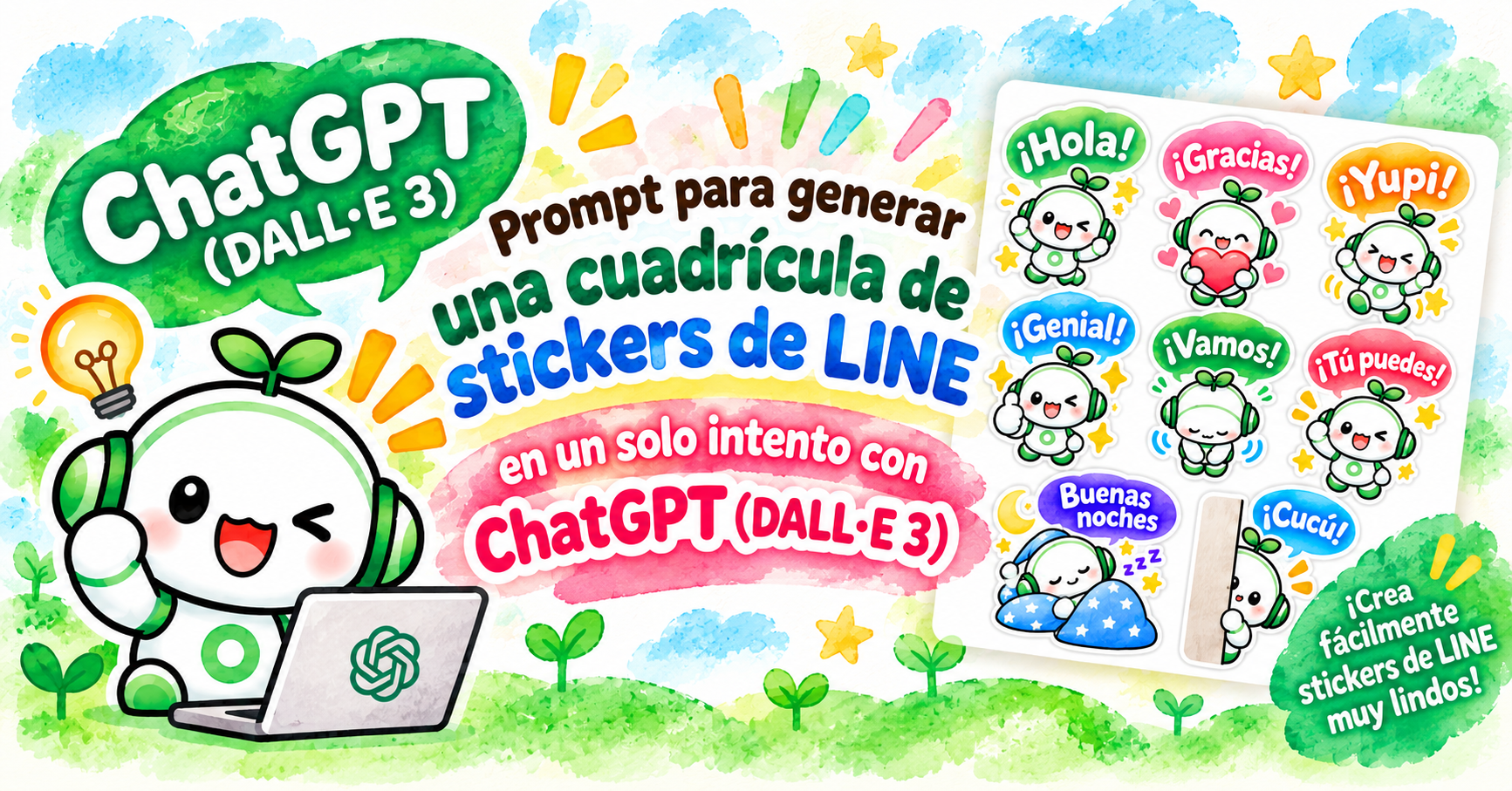
Puedes generar fácilmente hojas de stickers de LINE usando ChatGPT.
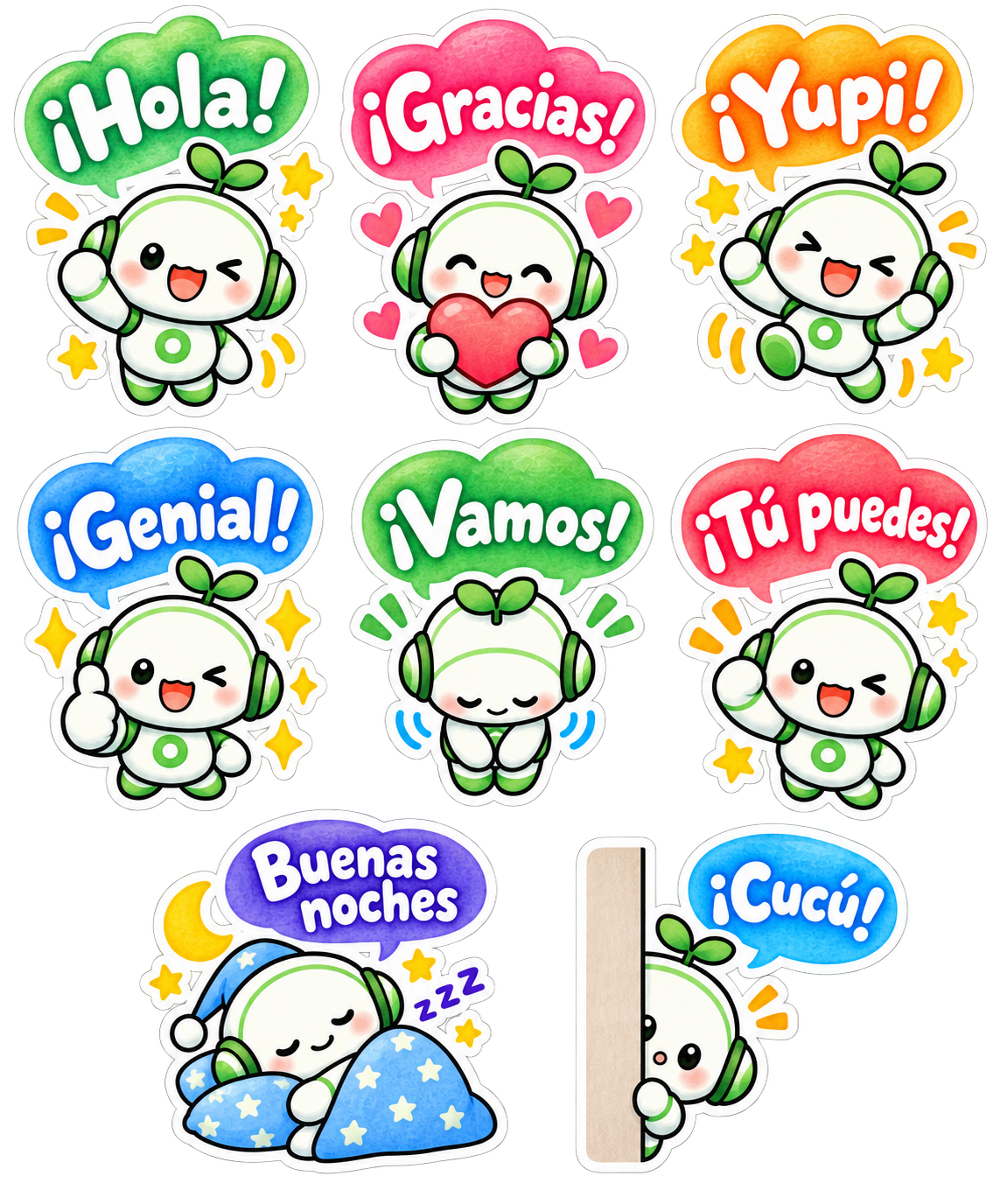
Please generate a sticker sheet containing exactly 8 separate LINE sticker images arranged in a clean grid layout, based on the provided reference character design.

## CHARACTER DESIGN

- Use the exact same character design from the provided reference image.
- Character: A friendly white-and-green kawaii robot with green headphones and a small green sprout on top of its head.
- Preserve the same face, body proportions, white-and-green color scheme, headphones, sprout, and overall character identity across ALL 8 stickers.
- Do not redesign or significantly alter the character.
- Each sticker must feature a clearly different pose and facial expression while maintaining consistent character design.
- Use rounded, adorable chibi proportions.

## ART STYLE

- Soft watercolor-style kawaii illustration.
- Warm, gentle, hand-painted watercolor texture.
- Cute Japanese stationery and LINE sticker aesthetic.
- Soft pastel colors with subtle watercolor variation and shading.
- Slightly textured watercolor fills.
- Clean but gently hand-drawn outlines rather than rigid digital vector lines.
- Bright, cheerful, warm, and highly expressive.
- Add small decorative elements where appropriate, such as sparkles, stars, hearts, motion marks, sweat drops, moons, sleep symbols, and excitement marks.
- Keep all decorative elements close to their corresponding character.

## COLORED SPEECH BUBBLES — IMPORTANT

Every sticker must contain ONE colorful speech bubble.

- Use large, cute, rounded, playful speech bubbles.
- Each speech bubble should have a bright watercolor-style colored fill.
- Use a variety of cheerful colors across the set, such as green, pink, orange, blue, red, purple, and turquoise.
- Speech bubbles may have slightly different organic shapes to complement each emotion.
- Keep all speech bubbles rounded, soft, friendly, and kawaii.
- Avoid plain rectangular text boxes.
- Avoid rigid or corporate-looking speech bubbles.
- The speech bubble should feel like an illustrated part of the sticker.

## SPANISH TEXT DESIGN — VERY IMPORTANT

Place the specified Spanish phrase inside each colored speech bubble.

ALL speech-bubble lettering must be:

- WHITE lettering.
- Large, bold, and highly legible.
- Cute, playful, professionally designed display lettering.
- Rounded and hand-drawn in appearance.
- The lettering should look intentionally illustrated and designed, not like ordinary typed text.
- Use thick, substantial letterforms suitable for small LINE stickers.
- Slight variations in letter size, angle, rotation, and baseline are encouraged.
- Maintain strong contrast between the WHITE lettering and the colored speech bubble.
- Keep every phrase comfortably inside its speech bubble with generous internal padding.
- For longer Spanish phrases, use TWO LINES when necessary instead of making the lettering too small.
- Slightly enlarge the speech bubble when necessary to accommodate longer Spanish phrases.
- Preserve all Spanish punctuation marks and accents exactly as written.
- Do NOT use black text.
- Do NOT use thin typography.
- Do NOT use plain system fonts.
- Do NOT use serif fonts.
- Do NOT place text outside the speech bubble.
- Do NOT add Japanese or English text.
- Do NOT add translations, subtitles, or additional words.
- Spell every Spanish phrase EXACTLY as specified below.

## WHITE STICKER BORDER — CRUCIAL

Every complete sticker must have a thick, clean WHITE outer sticker border.

The white border must surround the ENTIRE sticker composition, including:

- character
- speech bubble
- decorative elements
- hearts
- stars
- sparkles
- motion marks
- accessories

The character and speech bubble must visually form ONE complete sticker unit.

## GRID LAYOUT

Create EXACTLY 8 stickers.

Arrange them using:

- 2 to 3 columns
- 2 to 4 rows

Preferred layout:

Row 1: 3 stickers
Row 2: 3 stickers
Row 3: 2 stickers

Prefer a 3 + 3 + 2 arrangement.

Perfect vertical column alignment is not required.

Prioritize generous spacing, readability, and balanced composition.

## SPACING — EXTREMELY IMPORTANT

Every sticker must be completely isolated from every neighboring sticker.

Leave clear, continuous transparent space:

- between every sticker
- between every column
- between every row

No part of one sticker may touch another sticker.

This includes:

- white borders
- speech bubbles
- characters
- stars
- hearts
- sparkles
- motion marks
- shadows
- decorative effects

Leave AT LEAST 10 pixels of completely transparent padding on the TOP, BOTTOM, LEFT, and RIGHT sides of EACH complete sticker unit.

The 10-pixel transparent padding must be OUTSIDE the thick white sticker border.

Do not place tiny decorative elements in the transparent gaps between stickers.

## BACKGROUND

- Transparent PNG background.
- True alpha transparency.
- No white background.
- No colored background.
- No scenery.
- No background texture.
- No checkerboard pattern rendered into the image.
- All areas between stickers must remain completely transparent.

## 8 STICKERS AND EXACT SPANISH TEXT

### 1. "¡Hola!"
- Cheerful greeting.
- Character waving happily.
- Bright, friendly smile.
- Green or complementary colored speech bubble containing exactly:
"¡Hola!"
- WHITE decorative lettering.
- Add a few cheerful sparkles or motion marks.

### 2. "¡Gracias!"
- Character holding a large pink or red heart with both hands.
- Warm, grateful smile with rosy cheeks.
- Pink or complementary colored speech bubble containing exactly:
"¡Gracias!"
- WHITE decorative lettering.
- Add several small hearts.

### 3. "¡Yupi!"
- Character jumping enthusiastically with both arms raised.
- Very happy and excited expression.
- Orange or yellow speech bubble containing exactly:
"¡Yupi!"
- WHITE decorative lettering.
- Add stars, sparkles, and energetic motion marks.

### 4. "¡Genial!"
- Character giving a large thumbs-up.
- Cheerful smile or playful wink.
- Blue or complementary colored speech bubble containing exactly:
"¡Genial!"
- WHITE decorative lettering.
- Add several bright sparkles.

### 5. "¡Vamos!"
- Character making a polite, friendly bow.
- Gentle and welcoming expression.
- Green or complementary colored speech bubble containing exactly:
"¡Vamos!"
- WHITE decorative lettering.

### 6. "¡Tú puedes!"
- Character making an energetic fist-pump pose.
- Encouraging, enthusiastic, and adorable expression.
- Red, coral, or energetic colored speech bubble containing exactly:
"¡Tú puedes!"
- WHITE decorative lettering.
- This phrase may be arranged on two lines if necessary.
- Add energetic action marks and small stars.

### 7. "Buenas noches"
- Character sleeping peacefully.
- Eyes closed.
- Character may be curled up under a soft blue blanket with a pillow.
- Purple, navy-blue, or calm nighttime colored speech bubble containing exactly:
"Buenas noches"
- WHITE decorative lettering.
- Two-line lettering is acceptable if needed.
- Add a crescent moon, small stars, and subtle Zzz symbols.
- Create a peaceful bedtime atmosphere.

### 8. "¡Cucú!"
- Character cutely peeking from behind a vertical wall, curtain, or panel.
- Only part of the character is visible.
- Curious, shy, and adorable expression.
- Blue or turquoise speech bubble containing exactly:
"¡Cucú!"
- WHITE decorative lettering.
- Add one or two subtle attention marks.

## AUTOMATIC STICKER CUTTING REQUIREMENT

This sticker sheet will later be processed by an automatic LINE sticker cutting tool.

Every sticker must therefore form ONE isolated visual group consisting of:

character + speech bubble + text + decorations + thick white outer border.

Different stickers must NEVER become connected to each other.

Maintain completely transparent separation between all 8 sticker groups.

Keep stars, hearts, sparkles, motion marks, and other decorations close to their corresponding character and inside that sticker's white outer border.

Maintain at least 10 pixels of completely transparent padding around every isolated sticker group.

## FINAL QUALITY REQUIREMENTS

The final image should look like a professionally illustrated LINE sticker collection.

Visual keywords:

soft watercolor
kawaii
Japanese stationery aesthetic
hand-painted
chibi
pastel
colorful
cute Spanish hand lettering
white knockout typography
colorful speech bubbles
thick white sticker borders
expressive poses
clean transparent background

MOST IMPORTANT:

1. EXACTLY 8 stickers.
2. SAME character design throughout.
3. EXACT Spanish phrases as specified.
4. SPANISH TEXT ONLY.
5. Preserve Spanish accents and punctuation exactly.
6. COLORFUL speech bubbles.
7. WHITE decorative lettering inside every speech bubble.
8. Thick WHITE outer border around EVERY complete sticker.
9. NO sticker may touch or overlap another sticker.
10. At least 10 pixels of transparent padding on ALL FOUR SIDES of EACH sticker.
11. 2 to 3 columns and 2 to 4 rows.
12. Prefer a 3 + 3 + 2 layout.
13. TRUE TRANSPARENT PNG BACKGROUND.
14. No checkerboard pattern, white canvas, or colored background.
15. Keep every sticker fully inside the canvas.
16. Do not crop any character, speech bubble, lettering, white border, or decorative element.Pega este prompt de ejemplo en ChatGPT y, a continuación, indica tus preferencias, como el diseño de los bocadillos de texto, la disposición de los stickers y los textos que deseas incluir. Después, pídele a ChatGPT que cree un prompt en inglés para generar las imágenes según tus indicaciones.
ChatGPT organizará tus instrucciones y creará un prompt en inglés claro y fácil de interpretar por la IA de generación de imágenes.
Una vez que tengas el prompt, solo tienes que adjuntarlo junto con la imagen del personaje base y pedirle a ChatGPT que genere la hoja de stickers de LINE.
¡También puedes probar a crear tu propio personaje original con ChatGPT!
Con tu personaje favorito, podrás crear fácilmente un conjunto único y encantador de stickers de LINE.
.png?w=500&h=208)
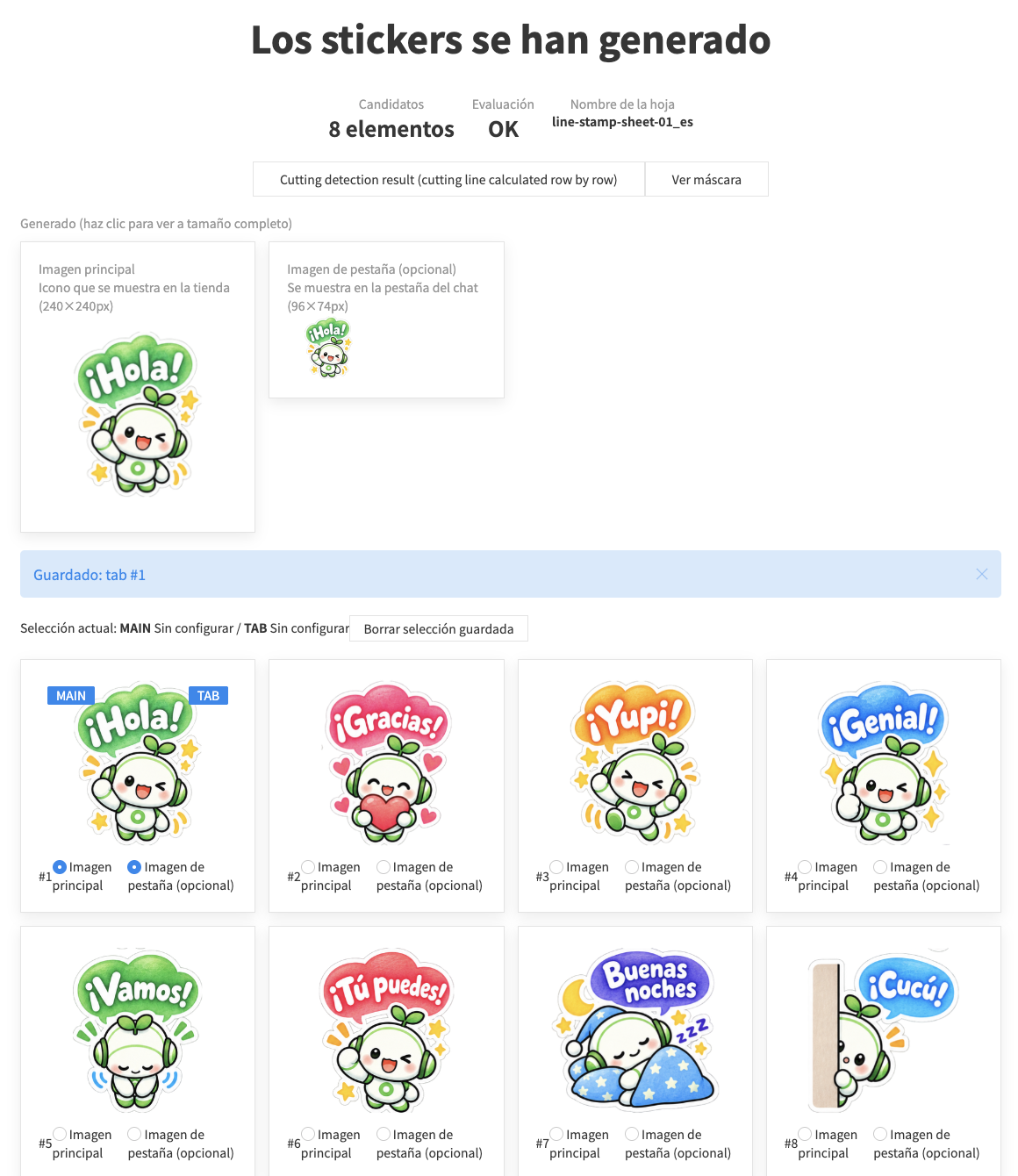
Si los stickers quedan pegados entre sí, se recortan demasiado finos, o el resultado no es el esperado, prueba a ajustar la Configuración avanzada en la parte superior de la página. O contáctanos en X@ivyjp.
Al crear y enviar stickers de LINE, cada tipo de imagen tiene un tamaño y formato recomendados específicos. Con esta herramienta, basta con subir tu hoja de imágenes para recortar y redimensionar automáticamente todas las imágenes al tamaño óptimo de una sola vez.
Imagen de la pestaña de chat (1 imagen)
Imagen principal (1 imagen)
Imágenes de stickers (8 / 16 / 24 / 32 / 40 imágenes)
Pautas comunes para la creación


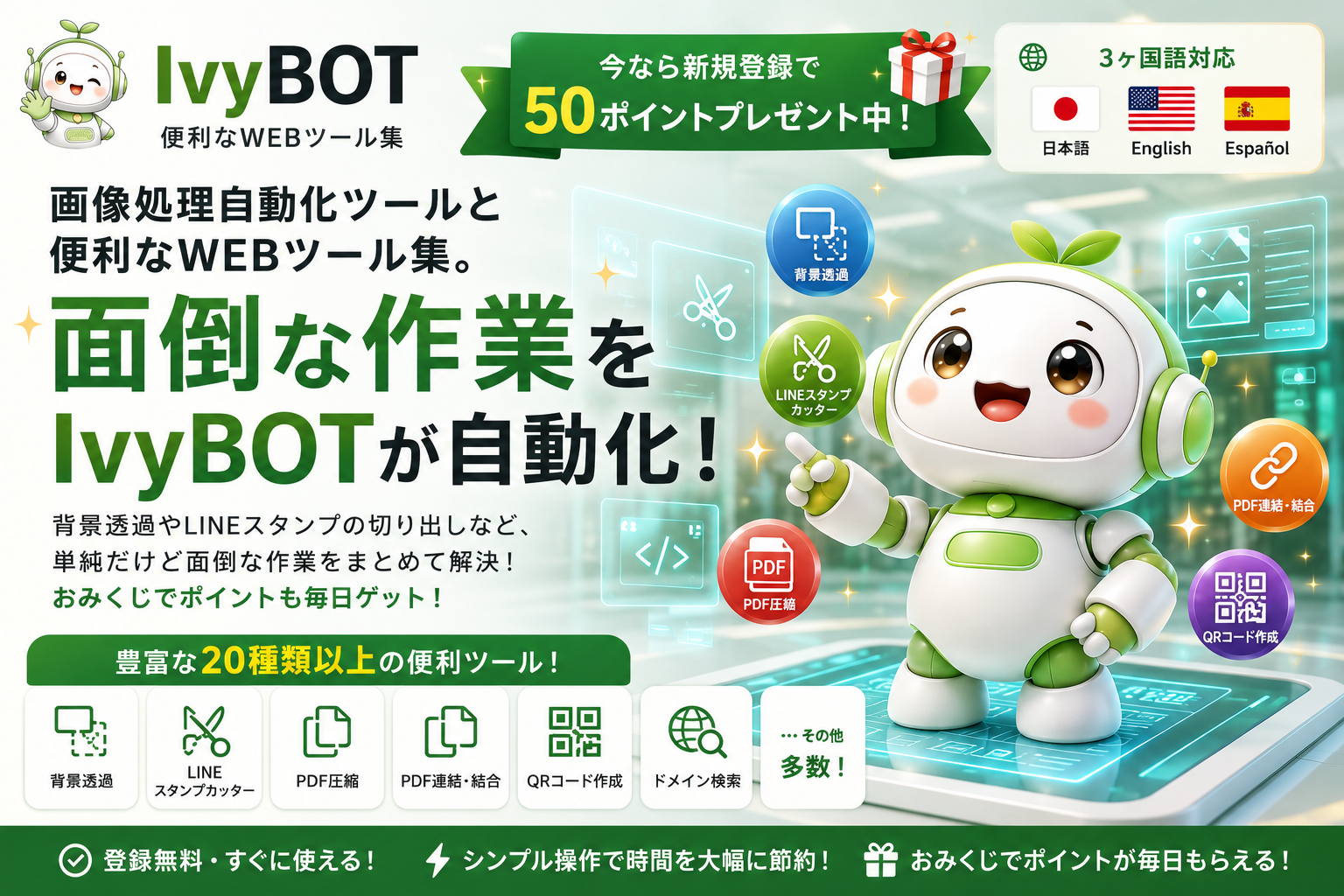
 Imagen y redes sociales
 Cortador de Stickers para LINE
 Quitar Fondo (BG Remover)
 Generador de Favicon
 Verificador de Vista Previa OGP
 Redimensionador y Conversor de Imágenes
 Selector de Color de Imagen
 Recortar y Rotar Imágenes
PDF y documentos
Recortar y Rotar Imágenes
PDF y documentos
 PDF comprimir
 PDF Unir
 Contador de Caracteres
 Web y desarrollo
 Generador de códigos QR
 Búsqueda de Dominio
 Editor de UIkit
 Generador de .htaccess
 Ver mi IP
 Codificador de Entidades HTML
 Codificador / Decodificador de URL
 Prueba de Velocidad
Búsqueda y vida diaria
Prueba de Velocidad
Búsqueda y vida diaria
 Buscador de Código Postal
 Buscador de Teléfono
 Conversor de Unidades
 Tabla de Edad
 Prueba de Edad Auditiva
 Prácticas y más
 Omikuji (Fortuna)
 Generador de Contraseñas
 Conversor de Caracteres Numéricos