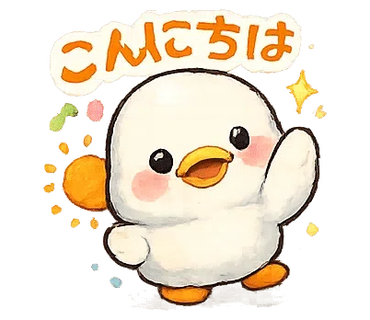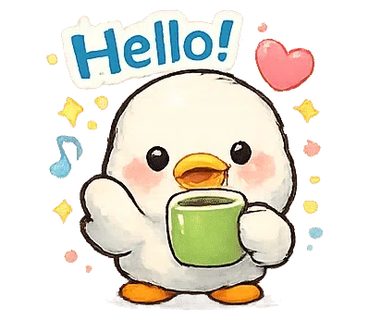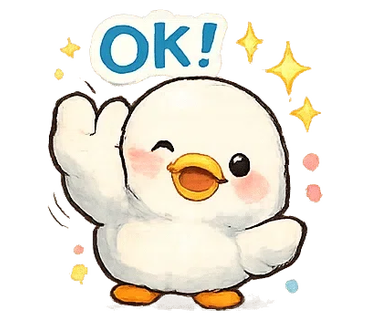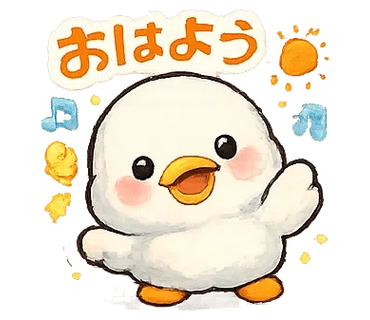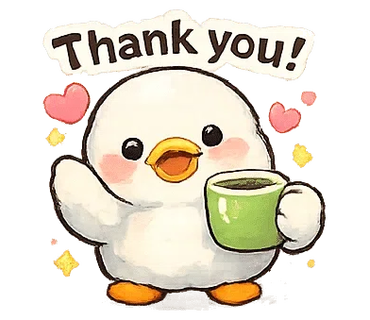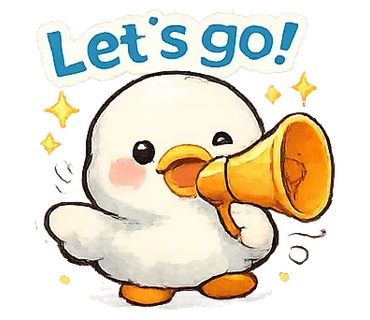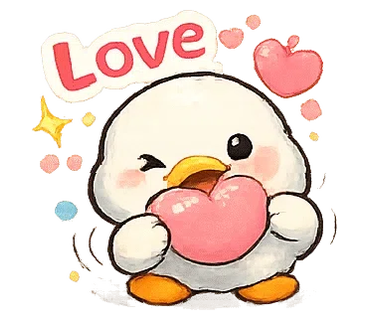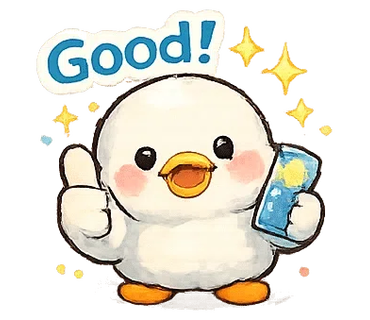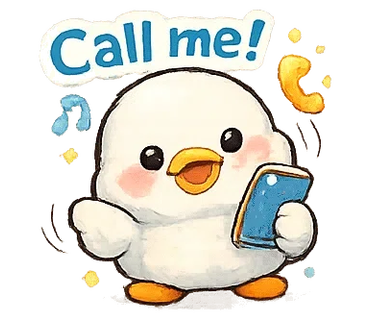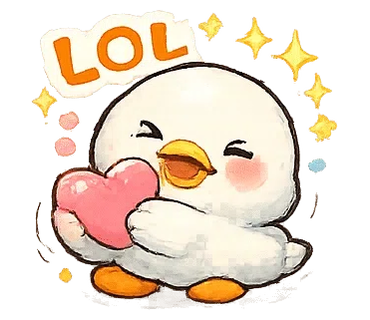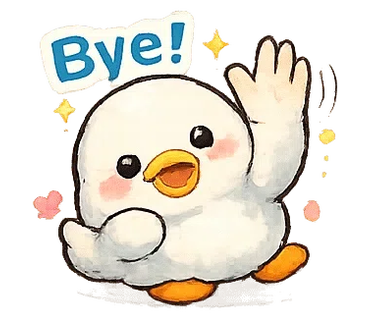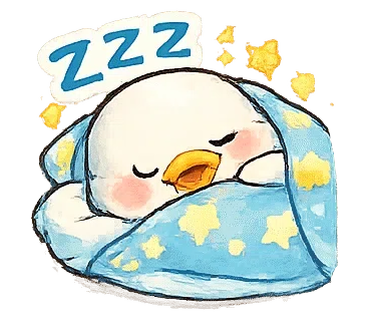
IvyBOT’s Super-Fast LINE Stamp Cutter automatically analyzes transparent PNG sheets to detect sticker regions and generate main/tab outputs. Advanced settings let you tune margins and thresholds for cleaner LINE sticker results.
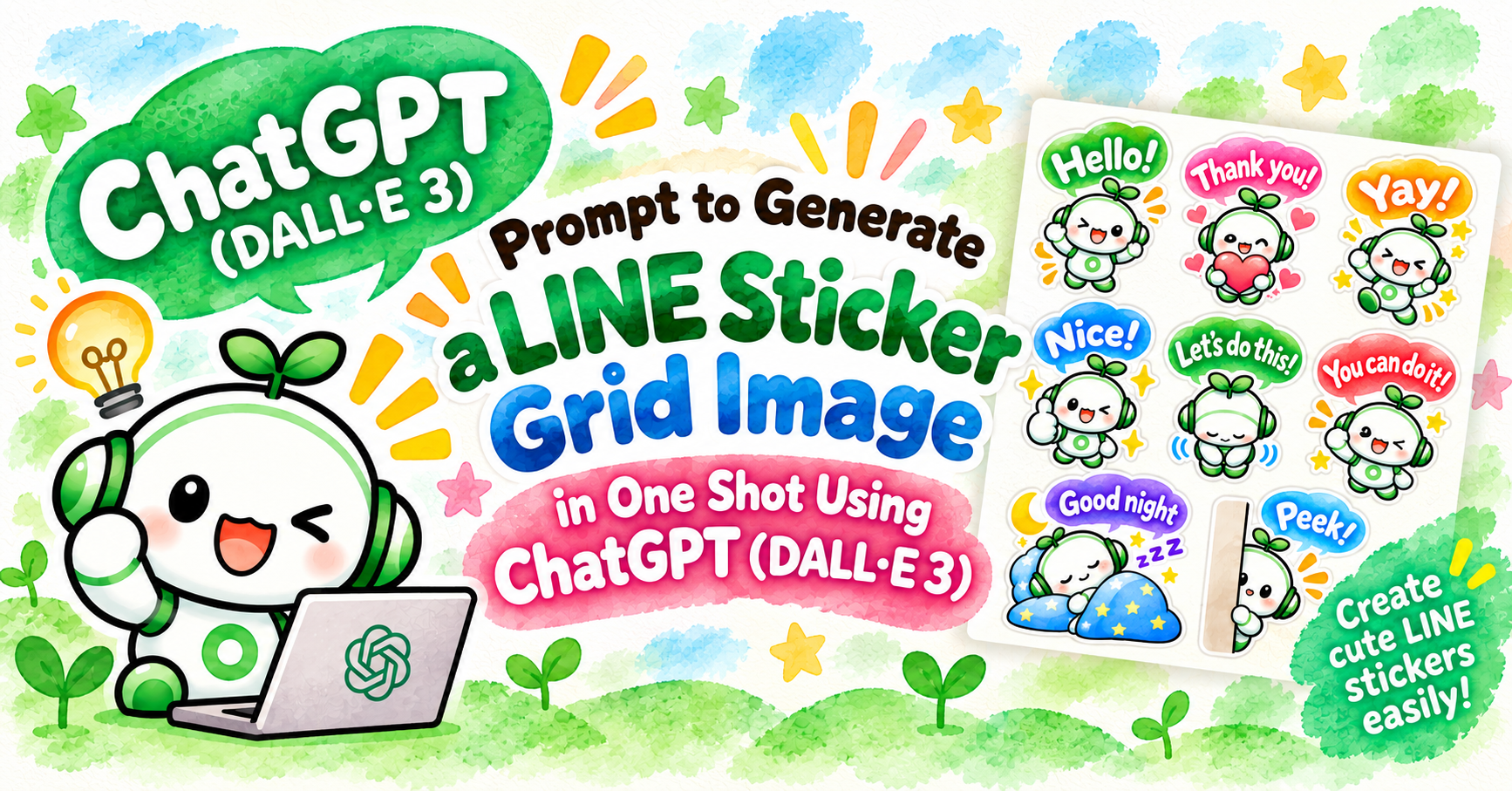
You can easily generate LINE sticker sheets by leveraging ChatGPT.

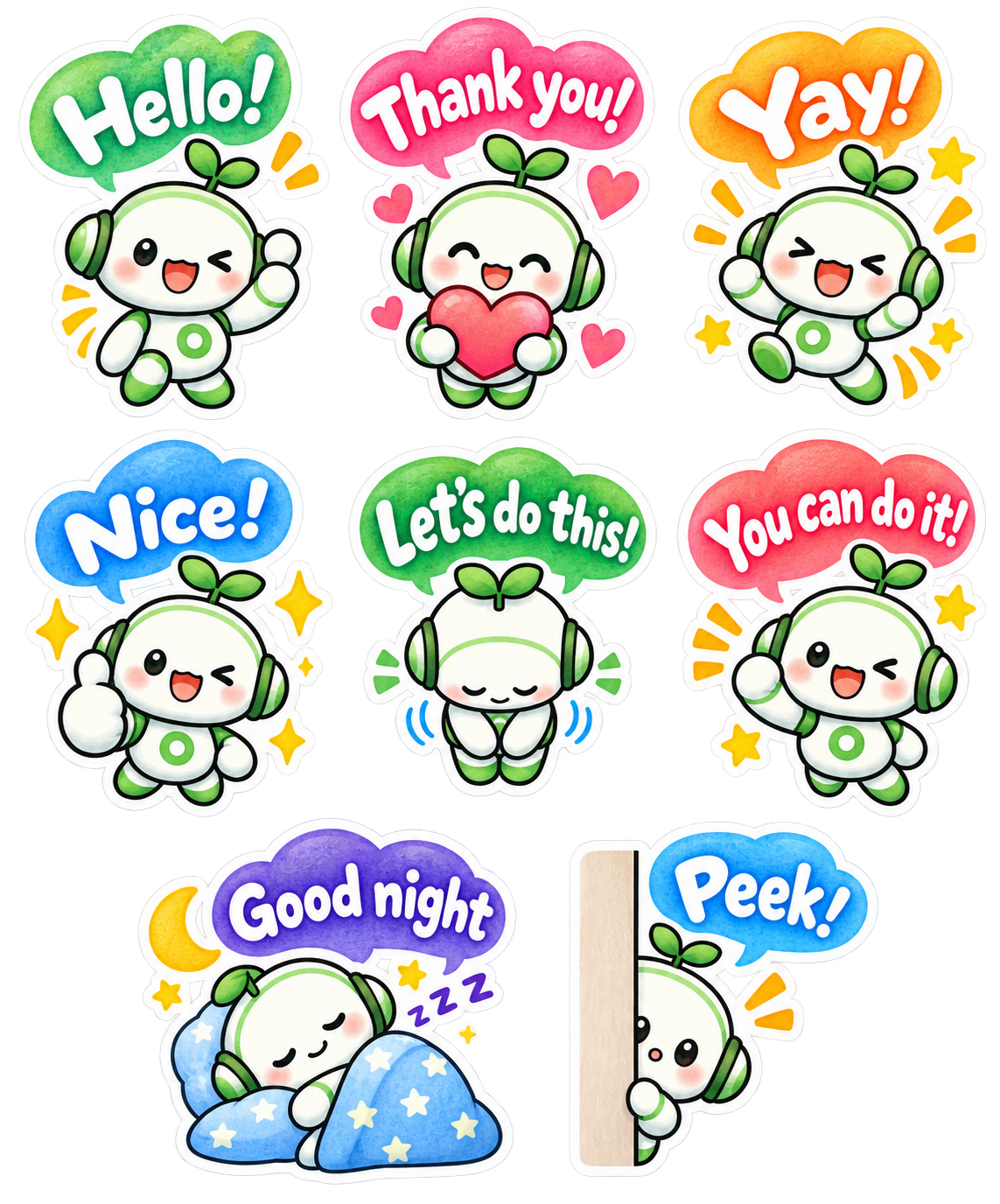
Please generate a sticker sheet containing exactly 8 separate LINE sticker images arranged in a clean grid layout, based on the provided reference character design.

## CHARACTER DESIGN

- Use the exact same character design from the provided reference image.
- Character: A friendly white-and-green kawaii robot with green headphones and a small green sprout on top of its head.
- Preserve the same face, body proportions, white-and-green color scheme, headphones, sprout, and overall character identity across ALL 8 stickers.
- Do not redesign or significantly alter the character.
- Each sticker must feature a clearly different pose and facial expression while maintaining consistent character design.
- Use rounded, adorable chibi proportions.

## ART STYLE

- Soft watercolor-style kawaii illustration.
- Warm, gentle, hand-painted watercolor texture.
- Cute Japanese stationery and LINE sticker aesthetic.
- Soft pastel colors with subtle watercolor variation and shading.
- Slightly textured watercolor fills.
- Clean but gently hand-drawn outlines rather than rigid digital vector lines.
- Bright, cheerful, warm, and highly expressive.
- Add small decorative elements where appropriate, such as sparkles, stars, hearts, motion marks, sweat drops, moons, sleep symbols, and excitement marks.
- Keep all decorative elements close to their corresponding character.

## COLORED SPEECH BUBBLES — IMPORTANT

Every sticker must contain ONE colorful speech bubble.

- Use large, cute, rounded, playful speech bubbles.
- Each speech bubble should have a bright watercolor-style colored fill.
- Use a variety of cheerful colors across the set, such as green, pink, orange, blue, red, purple, and turquoise.
- Speech bubbles may have slightly different organic shapes to complement each emotion.
- Keep all speech bubbles rounded, soft, friendly, and kawaii.
- Avoid plain rectangular text boxes.
- Avoid rigid, corporate-looking speech bubbles.
- The speech bubble should feel like an illustrated part of the sticker.

## ENGLISH TEXT DESIGN — VERY IMPORTANT

Place the specified English phrase inside each colored speech bubble.

ALL speech-bubble lettering must be:

- WHITE lettering.
- Large, bold, and highly legible.
- Cute, playful, professionally designed display lettering.
- Rounded and hand-drawn in appearance.
- The lettering should look intentionally illustrated and designed, not like ordinary typed text.
- Use thick, substantial letterforms suitable for small LINE stickers.
- Slight variations in letter size, angle, rotation, and baseline are encouraged.
- Keep strong contrast between the WHITE lettering and the colored speech bubble.
- Keep each phrase comfortably inside its speech bubble with sufficient internal padding.
- Do NOT use black text.
- Do NOT use thin typography.
- Do NOT use plain system fonts.
- Do NOT use serif fonts.
- Do NOT place text outside the speech bubble.
- Do NOT add Japanese text.
- Do NOT add translations, subtitles, or additional words.
- Spell every English phrase EXACTLY as specified below.

## WHITE STICKER BORDER — CRUCIAL

Every complete sticker must have a thick, clean WHITE outer sticker border.

The white border must surround the ENTIRE sticker composition, including:

- character
- speech bubble
- decorative elements
- hearts
- stars
- sparkles
- motion marks
- accessories

The character and speech bubble must visually form ONE complete sticker unit.

## GRID LAYOUT

Create EXACTLY 8 stickers.

Arrange them using:

- 2 to 3 columns
- 2 to 4 rows

Preferred layout:

Row 1: 3 stickers
Row 2: 3 stickers
Row 3: 2 stickers

Use a 3 + 3 + 2 arrangement when possible.

Perfect vertical column alignment is not required.

Prioritize generous spacing and balanced composition.

## SPACING — EXTREMELY IMPORTANT

Every sticker must be completely isolated from every neighboring sticker.

Leave clear, continuous transparent space:

- between every sticker
- between every column
- between every row

No part of one sticker may touch another sticker.

This includes:

- white borders
- speech bubbles
- characters
- stars
- hearts
- sparkles
- motion marks
- shadows
- decorative effects

Leave AT LEAST 10 pixels of completely transparent padding on the TOP, BOTTOM, LEFT, and RIGHT sides of EACH complete sticker unit.

The 10-pixel transparent padding must be OUTSIDE the thick white sticker border.

Do not place tiny decorative elements in the transparent gaps between stickers.

## BACKGROUND

- Transparent PNG background.
- True alpha transparency.
- No white background.
- No colored background.
- No scenery.
- No background texture.
- No checkerboard pattern rendered into the image.
- All areas between stickers must remain completely transparent.

## 8 STICKERS AND EXACT ENGLISH TEXT

### 1. "Hello!"
- Cheerful greeting.
- Character waving happily.
- Bright, friendly smile.
- Colorful speech bubble containing exactly:
"Hello!"
- WHITE decorative lettering.
- Add a few cheerful sparkles or motion marks.

### 2. "Thank you!"
- Character holding a large pink or red heart with both hands.
- Warm, grateful smile with rosy cheeks.
- Pink or complementary colored speech bubble containing exactly:
"Thank you!"
- WHITE decorative lettering.
- Add several small hearts.

### 3. "Yay!"
- Character jumping enthusiastically with both arms raised.
- Very happy and excited expression.
- Orange, yellow, or another energetic colored speech bubble containing exactly:
"Yay!"
- WHITE decorative lettering.
- Add stars, sparkles, and energetic motion marks.

### 4. "Nice!"
- Character giving a large thumbs-up.
- Cheerful smile or playful wink.
- Blue or complementary colored speech bubble containing exactly:
"Nice!"
- WHITE decorative lettering.
- Add several bright sparkles.

### 5. "Let's do this!"
- Character making a polite, friendly bow.
- Gentle and welcoming expression.
- Green or complementary colored speech bubble containing exactly:
"Let's do this!"
- WHITE decorative lettering.
- Keep the lettering large and clearly readable.

### 6. "You can do it!"
- Character making an energetic fist-pump pose.
- Encouraging, enthusiastic, and adorable expression.
- Red, coral, or energetic colored speech bubble containing exactly:
"You can do it!"
- WHITE decorative lettering.
- Add energetic action marks and small stars.

### 7. "Good night"
- Character sleeping peacefully.
- Eyes closed.
- Character may be curled up under a soft blue blanket with a pillow.
- Purple, navy-blue, or calm nighttime colored speech bubble containing exactly:
"Good night"
- WHITE decorative lettering.
- Add a crescent moon, small stars, and subtle Zzz symbols.
- Create a peaceful bedtime atmosphere.

### 8. "Peek!"
- Character cutely peeking from behind a vertical wall, curtain, or panel.
- Only part of the character is visible.
- Curious, shy, and adorable expression.
- Blue, turquoise, or complementary colored speech bubble containing exactly:
"Peek!"
- WHITE decorative lettering.
- Add one or two subtle attention marks.

## AUTOMATIC STICKER CUTTING REQUIREMENT

This sticker sheet will later be processed by an automatic LINE sticker cutting tool.

Every sticker must therefore form ONE isolated visual group consisting of:

character + speech bubble + text + decorations + thick white outer border.

Different stickers must NEVER become connected to each other.

Maintain completely transparent separation between all 8 sticker groups.

Keep stars, hearts, sparkles, motion marks, and other decorations close to their corresponding character and inside that sticker's white outer border.

Maintain at least 10 pixels of completely transparent padding around every isolated sticker group.

## FINAL QUALITY REQUIREMENTS

The final image should look like a professionally illustrated LINE sticker collection.

Visual keywords:

soft watercolor
kawaii
Japanese stationery aesthetic
hand-painted
chibi
pastel
colorful
cute English hand lettering
white knockout typography
colorful speech bubbles
thick white sticker borders
expressive poses
clean transparent background

MOST IMPORTANT:

1. EXACTLY 8 stickers.
2. SAME character design throughout.
3. EXACT English phrases as specified.
4. ENGLISH TEXT ONLY.
5. COLORFUL speech bubbles.
6. WHITE decorative lettering inside every speech bubble.
7. Thick WHITE outer border around EVERY complete sticker.
8. NO sticker may touch or overlap another sticker.
9. At least 10 pixels of transparent padding on ALL FOUR SIDES of EACH sticker.
10. 2 to 3 columns and 2 to 4 rows.
11. Prefer a 3 + 3 + 2 layout.
12. TRUE TRANSPARENT PNG BACKGROUND.
13. No checkerboard pattern, white canvas, or colored background.
14. Keep every sticker fully inside the canvas.
15. Do not crop any character, speech bubble, lettering, white border, or decora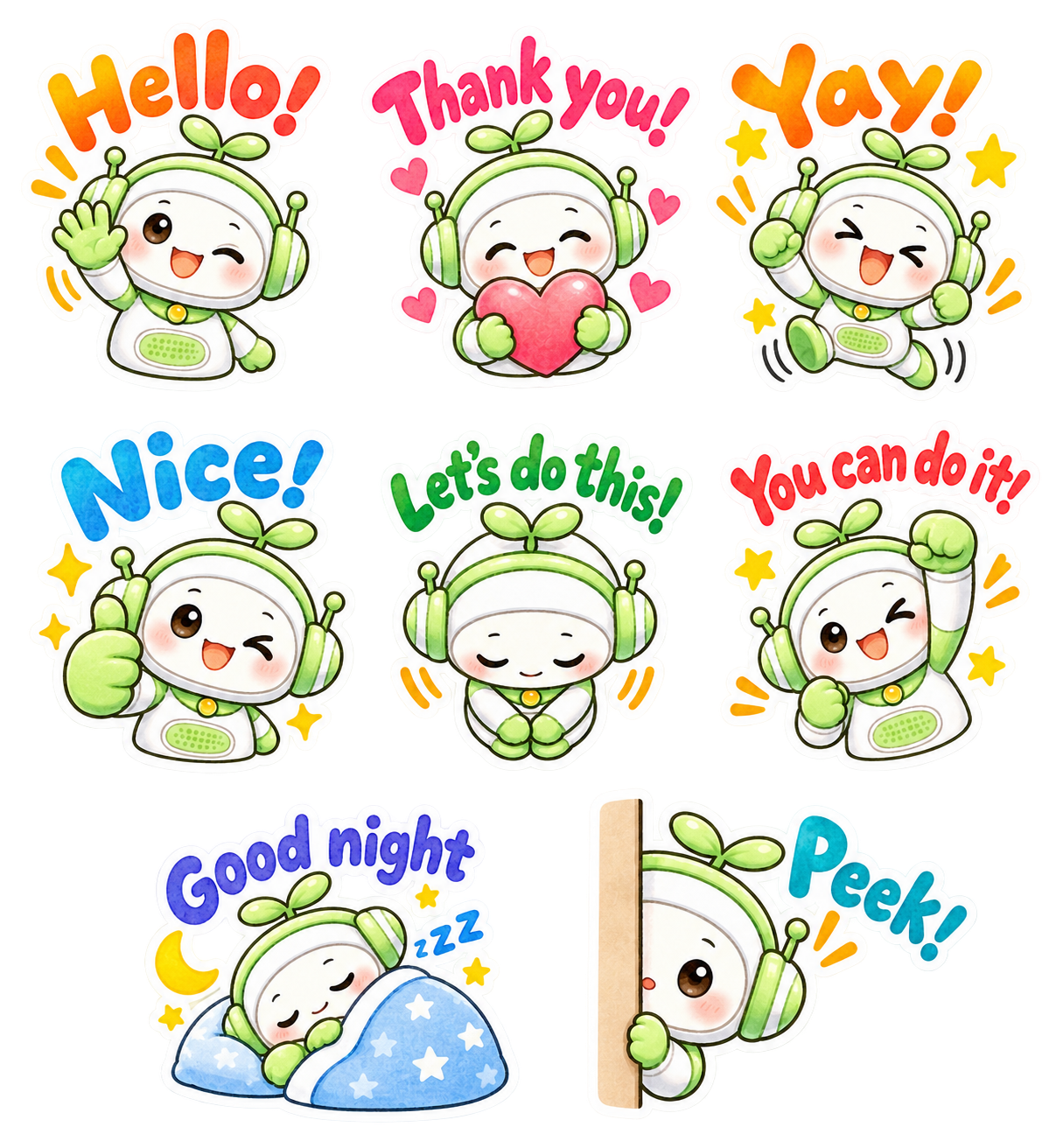
Please generate a sticker sheet containing exactly 8 separate LINE sticker images arranged in a clean grid layout, based on the provided reference character design.

## CHARACTER DESIGN

- Use the exact same character design from the provided reference image.
- Character: A friendly white-and-green kawaii robot with green headphones and a small green sprout on top of its head.
- Preserve the same face, body proportions, white-and-green color scheme, headphones, sprout, and overall character identity across ALL 8 stickers.
- Do not redesign or significantly alter the character.
- Each sticker must feature a clearly different pose and facial expression while maintaining consistent character design.
- Use rounded, adorable chibi proportions.

## ART STYLE

- Soft watercolor-style kawaii illustration.
- Warm, gentle, hand-painted watercolor texture.
- Cute Japanese stationery and LINE sticker aesthetic.
- Soft pastel colors with subtle watercolor variation and shading.
- Slightly textured watercolor fills.
- Clean but gently hand-drawn outlines rather than rigid digital vector lines.
- Bright, cheerful, warm, and highly expressive.
- Add small decorative elements where appropriate, such as sparkles, stars, hearts, motion marks, sweat drops, moons, sleep symbols, and excitement marks.
- Keep all decorative elements close to their corresponding character.

## NO SPEECH BUBBLES — VERY IMPORTANT

Do NOT use speech bubbles of any kind.

- No speech balloons.
- No dialogue bubbles.
- No colored bubbles behind the text.
- No rectangular text boxes.
- No panels or labels behind the text.
- No solid background shape behind the lettering.

The English phrase itself should appear directly above or beside the character as part of the sticker illustration.

The text should visually integrate with the character and decorative elements, similar to cute Japanese LINE stickers.

## COLORFUL ENGLISH LETTERING — VERY IMPORTANT

Each sticker must contain its specified English phrase as standalone decorative lettering.

ALL lettering must be:

- Large, bold, colorful, and highly legible.
- Cute, playful, professionally illustrated display lettering.
- Rounded and hand-drawn in appearance.
- Thick and substantial enough to remain readable at small LINE sticker sizes.
- Filled with bright watercolor-style colors.
- Use cheerful colors such as orange, pink, blue, green, red, purple, turquoise, and yellow.
- Different stickers may use different text colors.
- Slight color variation or watercolor texture inside the letters is encouraged.
- Slight variations in letter size, angle, rotation, and baseline are encouraged.
- The lettering should feel energetic, organic, and hand illustrated rather than typed.
- Text may curve gently around or above the character.
- Keep the text close to the corresponding character so they form ONE visual sticker unit.

Do NOT use:
- speech bubbles
- black plain text
- thin typography
- ordinary system fonts
- serif fonts
- subtitles
- translations
- Japanese text
- additional words

Spell every English phrase EXACTLY as specified below.

## WHITE OUTLINE AROUND TEXT — IMPORTANT

Give the colorful English lettering a thick, clean WHITE outline.

The white outline should make the lettering look like part of a real LINE sticker.

The lettering, character, and decorative elements should visually merge into ONE complete sticker composition.

## WHITE STICKER BORDER — CRUCIAL

Every complete sticker must have a thick, clean WHITE outer sticker border.

The white border must surround the ENTIRE sticker composition, including:

- character
- English lettering
- decorative elements
- hearts
- stars
- sparkles
- motion marks
- accessories

The text and character must visually form ONE isolated sticker unit.

## GRID LAYOUT

Create EXACTLY 8 stickers.

Preferred arrangement:

Row 1: 3 stickers
Row 2: 3 stickers
Row 3: 2 stickers

Use a 3 + 3 + 2 arrangement.

Perfect vertical alignment is not required.

Prioritize generous spacing, balanced composition, and clearly separated sticker groups.

## SPACING — EXTREMELY IMPORTANT

Every sticker must be completely isolated from every neighboring sticker.

Leave clear, continuous transparent space:

- between every sticker
- between every column
- between every row

No part of one sticker may touch another sticker.

This includes:

- white borders
- lettering
- characters
- stars
- hearts
- sparkles
- motion marks
- shadows
- decorative effects

Leave AT LEAST 10 pixels of completely transparent padding on the TOP, BOTTOM, LEFT, and RIGHT sides of EACH complete sticker unit.

The transparent padding must be OUTSIDE the thick white sticker border.

Do not place tiny decorative elements in the transparent gaps between stickers.

## BACKGROUND

- Transparent PNG background.
- True alpha transparency.
- No white background.
- No colored background.
- No scenery.
- No background texture.
- No checkerboard pattern rendered into the image.
- All areas between stickers must remain completely transparent.

## 8 STICKERS AND EXACT ENGLISH TEXT

### 1. "Hello!"
- Character waving happily.
- Bright, friendly smile.
- Place "Hello!" prominently above the character.
- Use large orange or warm-colored playful lettering.
- Add cheerful motion marks or small sparkles.

### 2. "Thank you!"
- Character holding a large pink or red heart with both hands.
- Warm, grateful smile with rosy cheeks.
- Place "Thank you!" prominently above the character.
- Use large pink or red-pink playful lettering.
- Add several small hearts.

### 3. "Yay!"
- Character jumping enthusiastically with both arms raised.
- Very happy and excited expression.
- Place "Yay!" prominently above the character.
- Use large orange or yellow-orange energetic lettering.
- Add stars, sparkles, and energetic motion marks.

### 4. "Nice!"
- Character giving a large thumbs-up.
- Cheerful smile or playful wink.
- Place "Nice!" prominently above the character.
- Use large bright blue lettering.
- Add several yellow sparkles.

### 5. "Let's do this!"
- Character making a polite, friendly bow.
- Gentle and welcoming expression.
- Place "Let's do this!" prominently above the character.
- Use large green playful lettering.
- Keep the phrase clearly readable despite its length.

### 6. "You can do it!"
- Character making an energetic fist-pump pose.
- Encouraging, enthusiastic, adorable expression.
- Place "You can do it!" prominently above the character.
- Use large red or coral-red lettering.
- Add energetic action marks and small stars.

### 7. "Good night"
- Character sleeping peacefully with eyes closed.
- Character curled up under a soft blue blanket with a pillow.
- Place "Good night" above the sleeping character.
- Use large blue, indigo, or purple-blue lettering.
- Add a crescent moon, small stars, and "Zzz" symbols.
- Create a peaceful bedtime atmosphere.

### 8. "Peek!"
- Character cutely peeking from behind a vertical beige wall or panel.
- Only part of the character is visible.
- Curious, shy, and adorable expression.
- Place "Peek!" beside or above the character.
- Use large turquoise or cyan-blue lettering.
- Add one or two small orange attention marks.

## AUTOMATIC STICKER CUTTING REQUIREMENT

This sticker sheet will later be processed by an automatic LINE sticker cutting tool.

Every sticker must therefore form ONE isolated visual group consisting of:

character + English lettering + decorations + thick white outer border.

Different stickers must NEVER become connected to each other.

Keep the text physically close to its corresponding character so the automatic cutting tool recognizes them as ONE sticker group.

Keep stars, hearts, sparkles, motion marks, and other decorations close to their corresponding character and lettering.

Maintain completely transparent separation between all 8 sticker groups.

Maintain at least 10 pixels of completely transparent padding around every isolated sticker group.

## FINAL QUALITY REQUIREMENTS

The final image should look like a professionally illustrated Japanese LINE sticker collection.

Visual keywords:

soft watercolor
kawaii
Japanese stationery aesthetic
hand-painted
chibi
pastel
colorful
cute English hand lettering
standalone decorative lettering
thick white lettering outline
thick white sticker borders
expressive poses
clean transparent background
NO SPEECH BUBBLES

## MOST IMPORTANT

1. EXACTLY 8 stickers.
2. SAME character design throughout.
3. EXACT English phrases as specified.
4. ENGLISH TEXT ONLY.
5. NO SPEECH BUBBLES.
6. Text must appear DIRECTLY as colorful decorative lettering.
7. Thick WHITE outline around the lettering.
8. Thick WHITE outer border around EVERY complete sticker.
9. NO sticker may touch or overlap another sticker.
10. At least 10 pixels of transparent padding on ALL FOUR SIDES of EACH sticker.
11. Use a 3 + 3 + 2 layout.
12. TRUE TRANSPARENT PNG BACKGROUND.
13. No checkerboard pattern, white canvas, or colored background.
14. Keep every sticker fully inside the canvas.
15. Do not crop any character, lettering, white border, or decorative element.
16. Keep each phrase close enough to its character to form ONE isolated sticker unit.Paste this sample prompt into ChatGPT, then describe your preferences, such as the speech bubble design, sticker layout, and the text you want to include. Ask ChatGPT to create an optimized prompt for image generation based on those requirements.
ChatGPT will then organize your instructions into a clear, English-based prompt that is easier for the image-generation AI to understand.
Once the prompt is ready, simply attach it together with your base character image and ask ChatGPT to generate your LINE sticker sheet.
You can also try creating your original base character with ChatGPT!
With your favorite character, you can create a unique and delightful set of LINE stickers all your own!
.png?w=500&h=193)
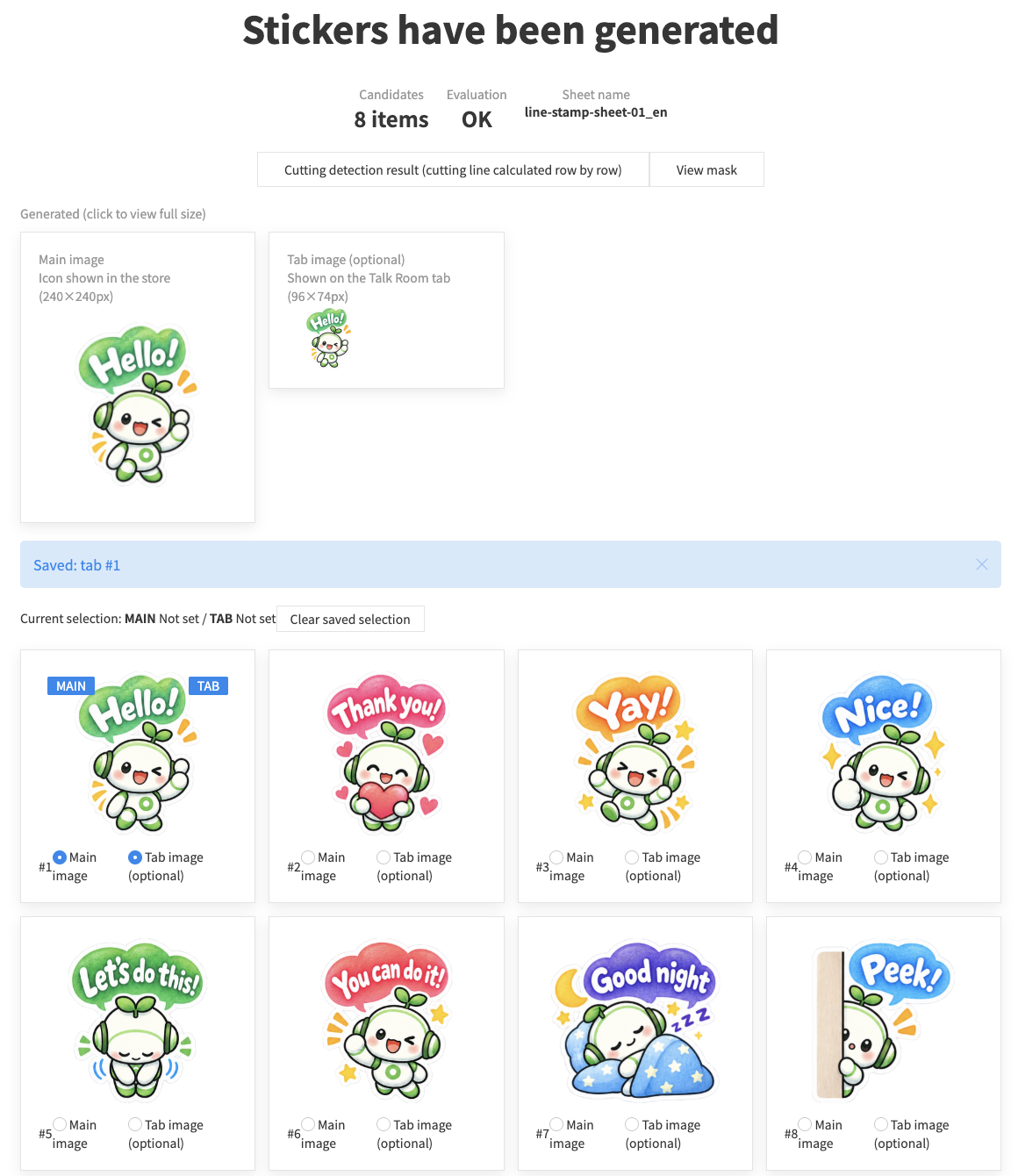
If stickers end up stuck together, get cut too finely, or the result otherwise isn’t what you expected, try adjusting the Advanced Settings at the top of the page. Or contact us on X@ivyjp.
When creating and submitting LINE stickers, each image type has its own recommended size and format. With this tool, you can simply upload your sheet and it will automatically crop and resize every image to the optimal size in one go.
Chat tab image (1 image)
Main image (1 image)
Sticker images (8 / 16 / 24 / 32 / 40 images)
Common guidelines for creating your stickers


 Image & SNS
 LINE Sticker Cutter
 BG Remover
 Favicon Generator
 OGP Preview Checker
 Image Resizer & Format Converter
 Image Color Picker
 Image Crop & Rotate
PDF & Documents
Image Crop & Rotate
PDF & Documents
 PDF Compress
 PDF Merge
 Character Counter
 Web & Development
 QR Code Generator
 Domain Lookup
 UIkit Editor
 .htaccess Generator
 My IP Address
 HTML Entity Encoder / Decoder
 URL Encoder / Decoder
 Speed Test
Search & Daily Life
Speed Test
Search & Daily Life
 Postal Code Search
 Phone Number Lookup
 Unit Converter
 Age Chart
 Ear Age Check
 Handy & More
 Omikuji (Paper Fortune)
 Password Generator
 Numeric Character Reference